
Table of contents
Updated 8 September 2026. This guide retains its original publication date. The update replaces obsolete pricing, unsupported statistics and unverified product claims with a current, practical guide to Pay by Bank payment links.
A payment link gives a customer a direct route to pay from a message, invoice, email or QR code. You create the request, share the link and give the customer enough context to recognise the payment. They open it, choose their bank and authorise the payment through their bank's normal journey.
For a small UK business, the useful question is how the link fits the work around the payment. The amount, customer reference, sharing channel, payment status and reconciliation process all affect how quickly your team can connect the money received with the right customer or invoice.
This guide explains how payment links work, when to use a single-use or reusable request, how to share links clearly and what to compare before choosing a provider.
What is a payment link?
A payment link is a URL that opens a hosted payment journey. A business can send it through a channel the customer already uses, such as email, text or WhatsApp. The same request can also be presented as a QR code for the customer to scan.
Payment links are useful when a full online checkout would add unnecessary work. A consultant can include one with an invoice. A tradesperson can send one after agreeing the final amount. A venue can take a booking payment remotely. A seller can place a reusable fixed-price link in a message or social profile.
The payment method behind the link matters. A card payment link collects card details on the provider's checkout. A Pay by Bank link takes the customer into a bank-authenticated payment journey. With Wonderful, the customer selects their bank, authenticates with that bank and authorises an account-to-account payment.1
A link also needs an operational purpose. Decide what the customer is paying for, which amount should appear, what reference you need and how you will confirm payment. Those decisions make the link easier for the customer to trust and easier for your team to reconcile.
How a Pay by Bank payment link works
- Create the request. Enter the amount and add a clear label or reference. Use wording that your customer will recognise, such as an invoice number, booking reference or service name.
- Choose the right link type. Create a single-use link for one customer and one amount, or use a reusable Library link for a request that multiple customers can open.
- Share it with context. Tell the customer who is requesting payment, what the amount covers and when it is due. Send the link through an agreed channel.
- The customer opens the payment page. They review the request and select their bank.
- The bank handles authentication. The customer follows their bank's security journey and authorises the payment there.
- Check the status. Use the provider's reporting view to confirm the result and match it to your commercial and accounting records.
The customer controls the authorisation. Your message starts the journey, while the bank handles the customer's authentication. A clear reference and a familiar business name help the customer understand what they are approving.
Keep the later payment stages separate in your records. Authentication confirms that the customer has passed their bank's security journey. Authorisation records their approval. Initiation means the payment instruction has started. The provider's status describes its current result. Settlement and access to funds depend on the payment method, receiving bank and provider process. Use the exact status shown for the payment before confirming fulfilment.
For a fuller explanation of each stage, read how Pay by Bank payments work step by step.
Choose between single-use and reusable payment links
The right link type depends on whether you are collecting one defined payment or offering the same payment route to several customers.
Single-use links for one customer
A Wonderful Quick Payment link is created for one customer and a specific amount. You can add an optional label or reference, then copy the payment link or show its QR code. Once the link has been paid, that request has done its job.2
This pattern fits an invoice, deposit, balance, bespoke order or agreed service fee. The unique link and reference give your team a direct way to connect the payment with the customer.
Reusable links for repeated offers
A reusable link from Wonderful's Library can be opened by multiple customers. You can set a fixed amount and label, or let the customer enter an amount where that suits the use case. The link can be shared through email, text or WhatsApp, placed in an email signature, or paired with a QR code.3
This works for a fixed-price class, a standard service, an event, a menu item or another offer that stays consistent across customers. A flexible-amount link can support situations where the payer chooses the value.
A reusable link still creates an individually authorised payment each time a customer uses it. Scheduled recurring collection requires a separate recurring-payment arrangement. Keep that distinction clear when comparing providers and designing customer communications.
Pro-plan users can add custom data fields to reusable links, with optional or required responses. Those fields can collect information that helps identify the customer or fulfil the order, provided you ask only for data you genuinely need.4
Where payment links fit a small business workflow
Invoices and professional services
Add a payment link beside the total and payment terms on an invoice. Repeat the invoice number in the payment reference so the receipt can be matched quickly. In the accompanying email, state the amount, due date and service covered.
The link makes the next action obvious for the client. Your invoice still needs the commercial details that explain the charge. Read the guide to invoice payment methods for UK small businesses when choosing how the link should sit alongside bank transfer, card or Direct Debit options.
Deposits and booking payments
Create a single-use link for the agreed deposit and include the booking reference. The message should explain what the deposit secures, the amount due and any applicable terms. Once paid, update the booking record with the payment status and provider reference.
Remote sales and customer conversations
A payment link can complete a sale that begins by phone, email, text or direct message. Confirm the order and price first, then send the payment request through the channel agreed with the customer. This gives the customer a recognisable sequence from conversation to payment.
Fixed-price services and events
A reusable link can reduce repeated setup when many customers buy the same thing at the same price. Name the item clearly on the payment page and in the message that contains the link. Use additional data fields only where they support fulfilment or record matching.
In-person QR payments
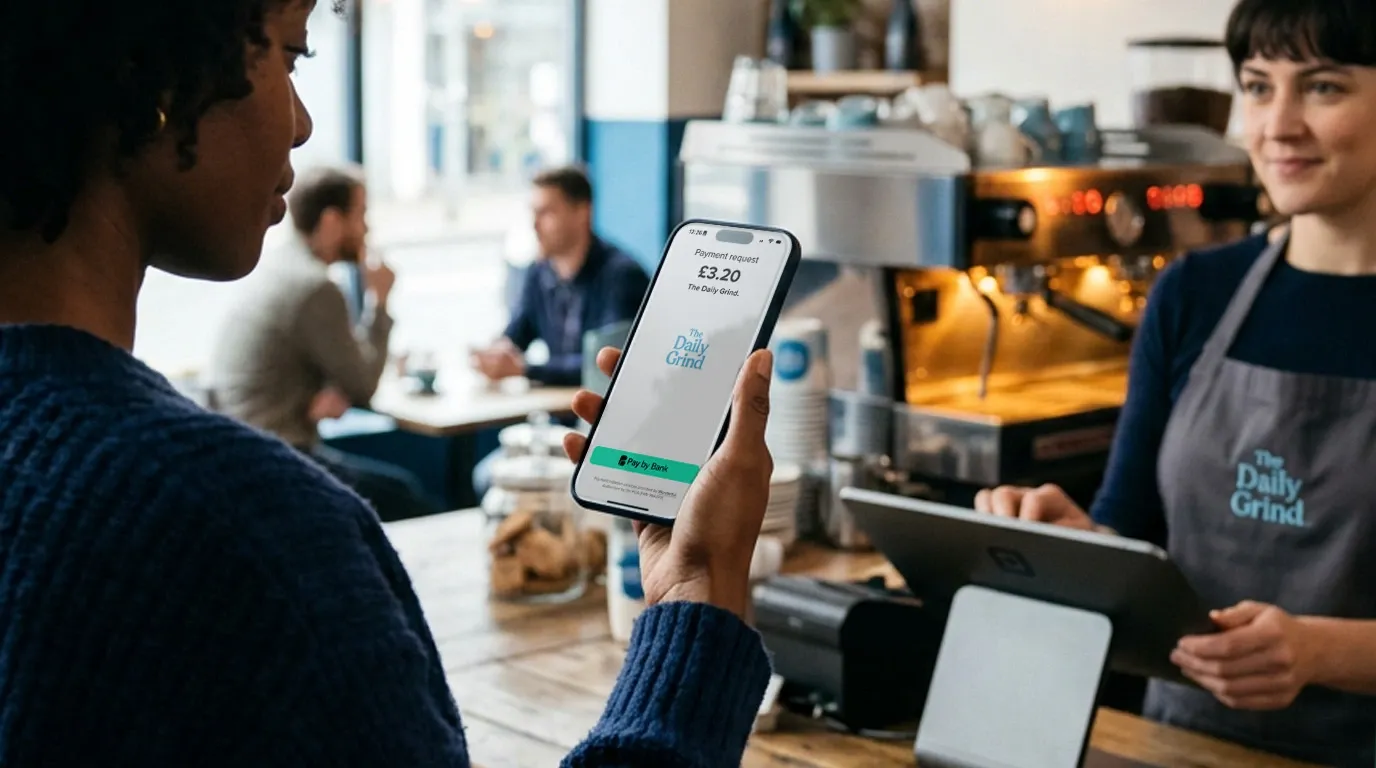
The same payment request can be presented as a QR code. The customer scans it on their own device and follows the payment journey. Place the code where the amount and purpose are clear, and keep a staff process for checking payment status before handing over goods or confirming a booking.
How much Wonderful payment links cost
Wonderful includes Pay by Bank payment links within its monthly business plans. The live plans page lists a 0.0% percentage fee and a payment allowance for each plan.5
| Plan | Monthly price | Payments included | Overage per payment |
|---|---|---|---|
| Starter | £24 plus VAT | 300 | 6p |
| Plus | £48 plus VAT | 800 | 4p |
| Pro | £96 plus VAT | 2,400 | 2p |
Check the live plans page before making a purchasing decision because prices and plan features can change. Estimate your likely monthly payment count, choose the suitable included allowance and add any expected overage. The subscription remains payable even when you use fewer than the included number of payments.
When comparing payment-link providers, calculate the complete cost for your own mix of payment values and volumes. Review monthly fees, percentage fees, fixed per-payment fees, overage, refunds, international payments and any paid features you need. The UK payment-system cost guide explains how to make that comparison consistently.
How to create a clear payment request
A good payment link begins with a recognisable request. Before sending it, check five details:
- Amount: enter the exact value agreed with the customer.
- Purpose: use a short description that matches the invoice, booking or conversation.
- Reference: include the identifier your team needs for reconciliation.
- Recipient: confirm that you are sending the link to the intended person through the agreed channel.
- Next step: tell the customer what will happen after payment, such as a booking confirmation or order update.
Use the same identifying details across the invoice, message and payment request. Consistency reassures the customer and reduces manual investigation later.
How to share a payment link safely
The message around the link is part of the payment experience. Include your business name, the amount, the reason for the request and a contact route the customer already knows. A message that appears without context is harder to trust.
Agree the channel during the customer conversation where possible. If the sale took place by email, continue in that thread. If a booking was arranged by phone, tell the customer which channel you will use to send the link.
Customers should pause if the amount, business identity or reason for payment looks unfamiliar. The National Cyber Security Centre advises people who are unsure about a link they receive to avoid opening it and use a trusted route to check it.6 Give customers an independently known phone number, website or existing conversation they can use to confirm the request.
Your team should also protect access to the payment account, restrict permissions to the people who need them and review unexpected changes to payment instructions. Record who created and sent a request when several people handle customer payments.
Track status and reconcile every payment
Sending the link starts the collection process. Completion requires a confirmed status and an accurate record.
Use the provider's reporting view to check whether the payment succeeded. Connect the provider reference and your own label to the invoice, booking, order or customer record. Then match the payment with the relevant bank and accounting entries.
A practical process has four checkpoints:
- The commercial record shows what the customer owes.
- The payment request carries the same customer or invoice reference.
- The payment provider records the result and its unique identifier.
- The bank and accounting records are matched to that result.
Keep exception handling simple. Decide who follows up on an unpaid link, a failed journey, an incorrect amount or an unmatched payment. Avoid treating a sent message or an opened link as proof that money has arrived.
Plan for expired links and repeated attempts
Ask your provider how long each link remains valid and what the customer sees after expiry or payment. If a request expires, create a fresh request and send it in the existing customer conversation with the current amount and reference.
When a customer reports an interrupted journey, check the provider status before issuing another link. Keep the same commercial reference and record why a replacement was created. If two successful payments appear for the same invoice or order, pause fulfilment, verify both provider records and follow the provider's current refund or support process.
Give staff a clear escalation route for a customer who cannot open the link, cannot find their bank, sees an unexpected amount or believes they have paid. The support record should include the customer reference, time, amount and provider status without collecting banking credentials.
For a step-by-step process, read the small-business payment reconciliation guide.
What to compare between payment-link providers
Start with the way your customers need to pay and the records your team needs afterwards.
- Payment methods: check whether the link uses Pay by Bank, cards, digital wallets or a choice of methods.
- Link types: confirm whether you need single-use requests, reusable links, fixed amounts, flexible amounts or QR codes.
- Customer journey: open a test link and review the steps, business identity, amount and confirmation shown.
- Costs: model subscription, percentage, fixed and overage fees using realistic payment values and volumes.
- Status: check how the provider reports initiated, successful and failed payments.
- References and exports: make sure the resulting data supports your invoice, booking and accounting workflow.
- Access and support: review user permissions, account security and the support route available when a payment needs investigation.
If you are still deciding whether account-to-account payments fit your customer journey, use the Pay by Bank decision guide for UK small businesses.
Payment link FAQs
Do I need a website to send a payment link?
No. You can send a hosted payment link directly through email, text or WhatsApp. A website can provide another place for a reusable link or button, but it is not required for the basic sharing journey.
Can I send a payment link through WhatsApp or email?
Yes. Wonderful supports sharing links through WhatsApp, text and email. Give the customer context in the same message so they can recognise the amount and purpose.
Can more than one customer use the same payment link?
Yes, when you create a reusable link in the Library. Use a Quick Payment when you need a single-use request for one customer and one amount.
Can a reusable link collect recurring payments automatically?
No. A reusable link can be opened more than once, and each payer authorises an individual payment. Scheduled collection needs a dedicated recurring-payment arrangement.
How do I know whether a payment link has been paid?
Check the payment status in Reporting and match its reference with the related invoice, booking or order. Keep the status check separate from message-delivery or link-open information.
Does a Wonderful payment link accept card payments?
Wonderful's payment links use Pay by Bank. The customer selects their bank and authorises the account-to-account payment through their bank's journey.
Make the next payment easy to recognise
Choose the link type that matches the job, add a clear reference and send it with the context your customer expects. Then confirm the payment status and reconcile it with the underlying sale.
That simple sequence turns a shareable URL into a dependable collection process for invoices, bookings, remote sales and repeatable offers.
Footnotes
- Wonderful, How Pay by Bank payments work step by step, accessed 8 September 2026.
- Wonderful, Create a Quick Payment, accessed 8 September 2026.
- Wonderful, QR codes and Link Library, accessed 8 September 2026.
- Wonderful, Custom data fields, accessed 8 September 2026.
- Wonderful, plans and pricing, accessed 8 September 2026.
- National Cyber Security Centre, Shopping and paying safely online, accessed 8 September 2026.