Table of contents
Choosing an ecommerce payment method starts with the sale itself. A customer buying from a full online basket needs a different journey from someone paying after a conversation, approving a made-to-order quote or settling an invoice.
The clearest decision comes from separating two questions. Where will the customer begin the payment journey? Which payment method will move the money?
Checkout and payment links describe where the journey begins. Pay by Bank describes the payment method underneath it. A business can therefore offer Pay by Bank inside a website checkout or through a payment link.
Choose the route that fits the sale
| Route | Best fit | Customer action | Operational priority |
|---|---|---|---|
| Website checkout | A customer builds a basket and pays without staff involvement | Reviews the order, chooses a payment method and completes payment | Keep order, payment and fulfilment status connected |
| Payment link | The amount follows a conversation, quote, invoice or recovered basket | Opens a secure link and completes the payment journey | Attach the right amount, customer and order reference |
| Pay by Bank | The customer can approve an account-to-account payment with their bank | Selects their bank, authenticates and approves the payment | Read the provider status and reconcile the credited funds |
Many ecommerce businesses need more than one row. A standard checkout can handle routine orders, while a payment link supports manual orders, deposits or customer-service recovery. Pay by Bank can sit inside either route when it suits the customer and the order.
Use website checkout for a complete basket journey
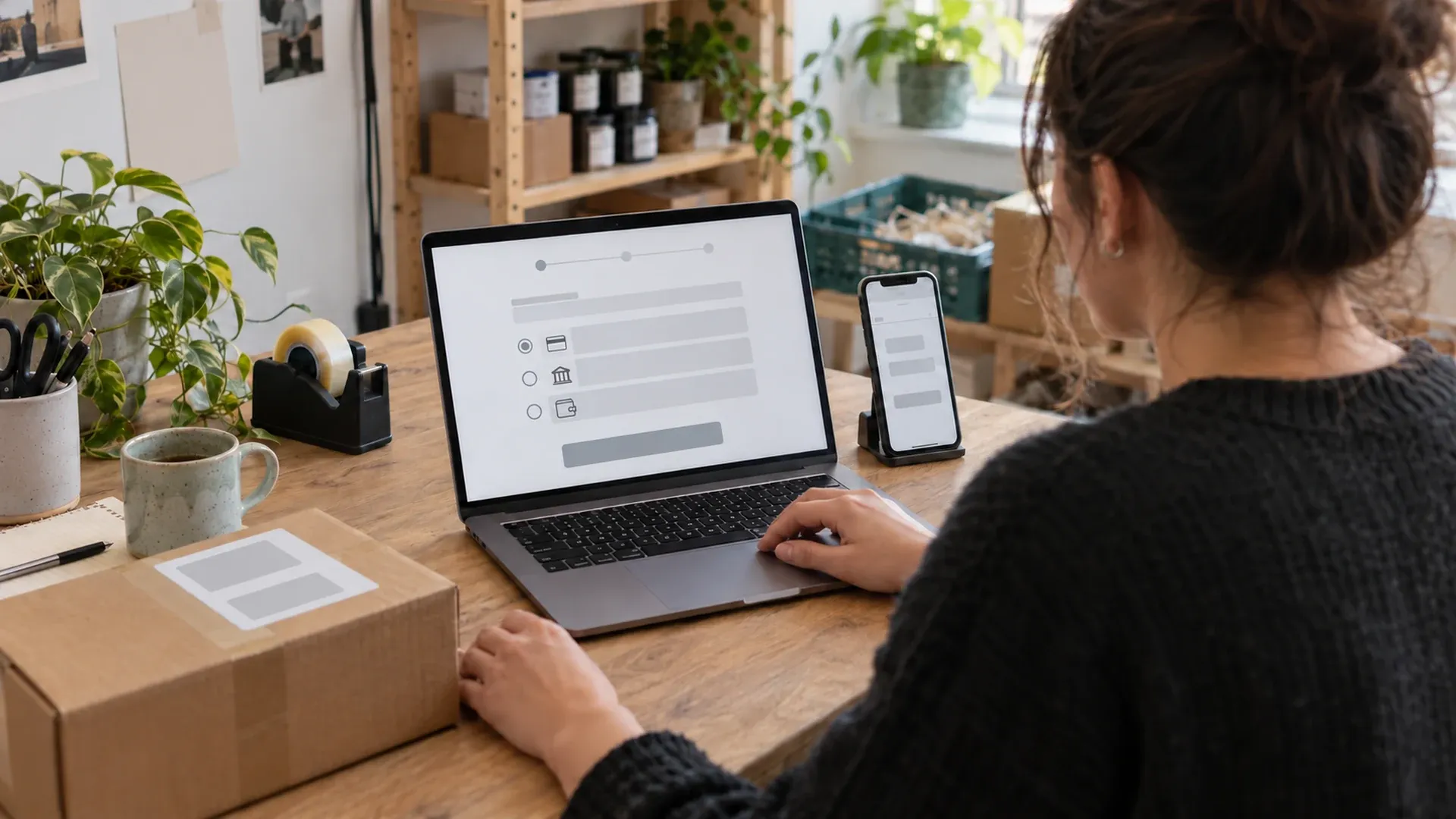
A website checkout is usually the strongest route when customers choose products, quantities, delivery details and payment without speaking to your team. It keeps the basket, customer details and payment attempt inside one order journey.
Checkout works well when
- prices and stock are already held in the ecommerce platform;
- customers can complete the order without a tailored quote;
- delivery, tax and discount rules need to be calculated before payment;
- the order system needs a reliable payment reference and status; and
- repeatable fulfilment matters more than staff-led flexibility.
Your ecommerce platform and its active extensions determine the fields and payment options presented at checkout.1 Test the complete journey on mobile and desktop, including failed authentication, an abandoned browser session and a customer returning to an existing order.
If you are still comparing the wider market, Wonderful's dated 2025 online payment solutions guide records the provider landscape at that point in time. The current payment gateway comparison covers gateway selection in more detail.
Use payment links for guided and remote sales
A payment link gives the customer a direct route to a payment page. It suits sales that begin in email, messaging, social media, telephone support or a quote rather than a standard product basket.
Payment links work well when
- the amount is agreed after a conversation;
- a deposit or balance is due for a made-to-order item;
- staff need to recover an order after a customer leaves checkout;
- a simple sales channel needs a payment route without a full store build; or
- the customer needs a clear reference they can reopen.
The link still needs an operating process behind it. Decide who creates it, how its amount and reference are checked, when it expires, how duplicate requests are avoided and which status allows the order to move forward.
Read the practical Pay by Link guide for a deeper view of reusable and one-off payment links.
Add Pay by Bank when account-to-account payment suits the order
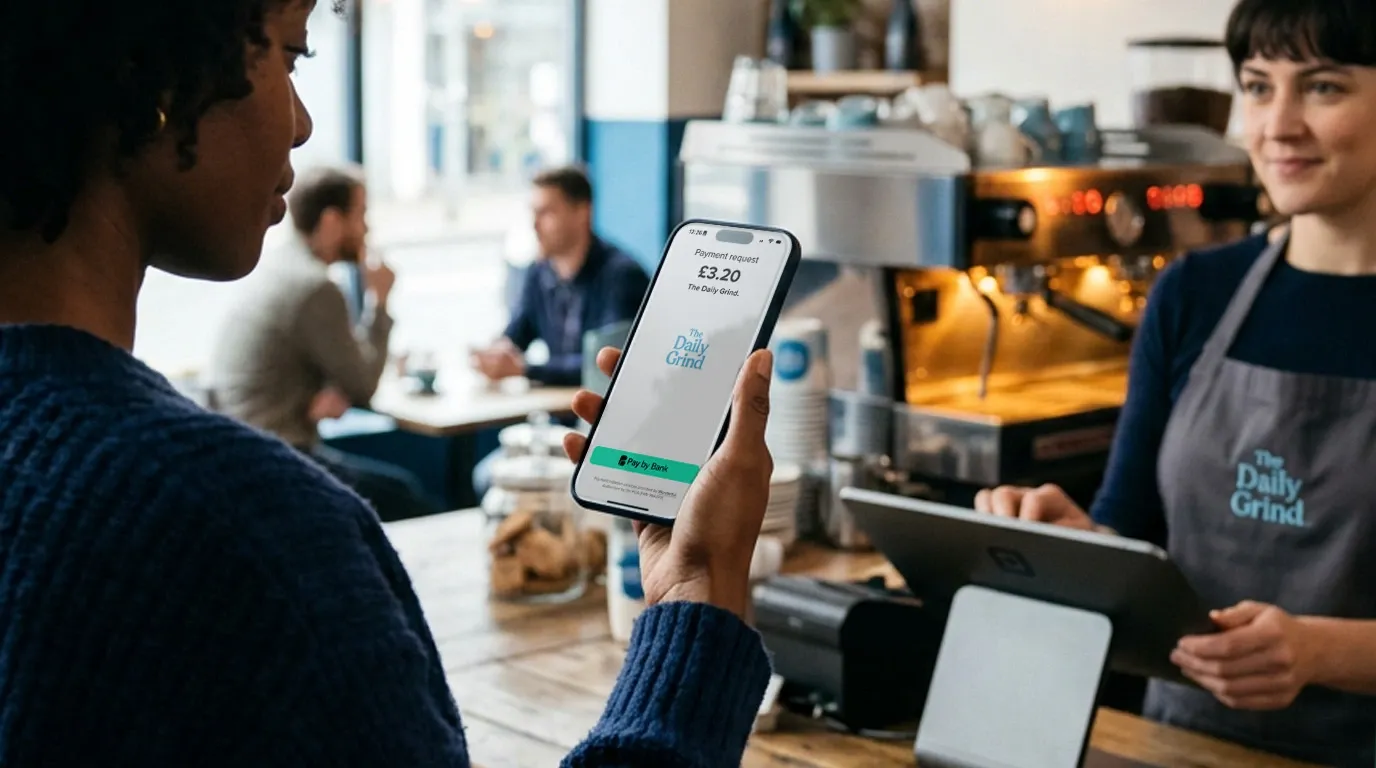
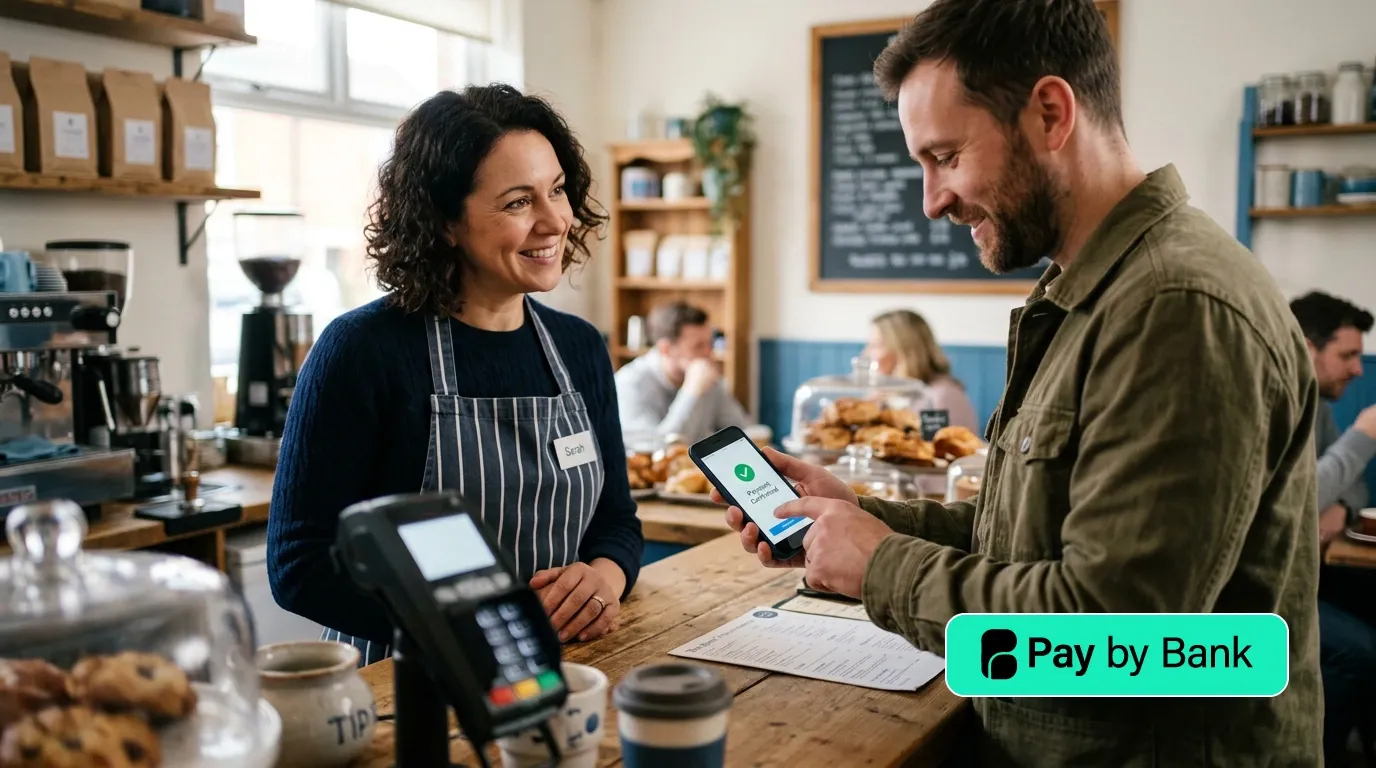
Pay by Bank lets a customer approve a payment through the authentication journey provided by their bank. The payment moves account to account through the UK banking system. Faster Payments supports near-real-time payments, subject to the participating institutions and the individual payment.2
Wonderful currently supports Pay by Bank online, by payment link and through integration routes. Its public integration options include WooCommerce and an API for a tailored website or system connection.3
Pay by Bank works well when
- customers are comfortable approving a payment with their bank;
- the order value makes percentage-based fees commercially important;
- the business wants payment to move directly between bank accounts;
- the checkout or link can preserve a clear order reference; and
- the business can support another method where customer or bank coverage requires it.
Customer authentication is part of the regulated electronic-payment journey. The Financial Conduct Authority explains the current strong customer authentication framework and its exemptions.4 Your implementation should use the payment provider's recorded status as the operational source for the payment attempt.
The step-by-step Pay by Bank guide follows this journey in more detail.
Keep every payment stage clear
A customer reaching a return page only tells you that the browser completed part of its journey. Your order workflow should follow the evidence recorded for the payment itself.
- Request created: the checkout or link has the intended amount, reference and customer context.
- Journey presented: the customer can open the payment option.
- Authentication completed: the customer has passed the required bank or payment-method checks.
- Payment authorised: the provider has received the relevant approval outcome.
- Provider status recorded: the business system has a durable status for the attempt.
- Funds credited: the receiving account shows the payment according to the provider and bank evidence.
- Payment reconciled: the money, order and accounting record match.
Set fulfilment rules against the status and evidence appropriate to your business. High-value, made-to-order or time-sensitive goods may need an additional operational check before dispatch.
Design reconciliation before taking the first payment
Payment choice affects the work after checkout. A low-friction customer journey can still create manual effort when the order number, payment reference and settlement record do not line up.
For each route, confirm that you can answer these questions:
- Which order created this payment request?
- Which customer and amount belong to it?
- What is the latest provider status?
- When did the funds reach the receiving account?
- How will the transaction enter the accounting system?
- Who investigates an unmatched or duplicated record?
The small-business payment reconciliation guide explains the wider control process.
Compare the full operating cost
The headline transaction fee is one part of the decision. Include monthly charges, payment allowances, overage rates, integration work, staff time, reconciliation effort and the cost of supporting exceptions.
Wonderful's current plans use monthly pricing, payment allowances and overage rates, with a zero percentage fee. Check the live plans and pricing page for the current figures and included capabilities.5
Model the expected order count and order value for your own business. A route that saves money at one order profile can create a different result when volume, average value or manual work changes.
See how the choice changes by business
A WooCommerce shop with routine orders
Keep the store checkout as the main journey. Add the payment methods that fit the customer base, connect each attempt to the WooCommerce order and test status changes before allowing automated fulfilment.
A made-to-order homeware business
Use a payment link after the customer approves the specification and price. Include the order reference, control who can change the amount and match the result to the production record before work begins.
A trade supplier taking catalogue orders by phone
Use a staff-created payment link for the agreed basket or provide a logged-in checkout for repeat buyers. Pay by Bank can serve as the underlying method where it fits the customer, order value and bank journey.
Use this ecommerce payment checklist
- Map where each type of sale begins.
- Decide whether the amount comes from a basket, quote, invoice or staff conversation.
- Choose the checkout or link journey for that sale.
- Select the underlying payment methods customers can use.
- Define the evidence required before fulfilment.
- Connect order, payment and settlement references.
- Test abandoned, failed, repeated and delayed journeys.
- Review current pricing against realistic order volume and value.
If Pay by Bank fits the journey, explore Wonderful's current online, link and integration options and choose the route that matches the way your customers already buy.6
Frequently asked questions
Can an ecommerce checkout offer more than one payment method?
Yes. The available methods depend on the ecommerce platform, payment integrations, customer location and your configuration. Keep the choice focused on methods you can support through payment status, fulfilment and reconciliation.
Is a payment link the same as website checkout?
A website checkout usually completes a basket held by the ecommerce platform. A payment link opens a standalone payment journey created for a particular sale, amount or reusable purpose. Both can use an underlying payment method such as Pay by Bank.
When should an ecommerce order be dispatched?
Use the payment status and evidence defined in your fulfilment policy. Keep the customer return page, provider status, funds credit and reconciliation as separate signals. Apply extra checks where the order value, production commitment or delivery risk requires them.
Footnotes
- WooCommerce, Checkout block, accessed 13 October 2026.
- Pay.UK, Faster Payment System, accessed 13 October 2026.
- Wonderful, Integrations, accessed 13 October 2026.
- Financial Conduct Authority, Strong Customer Authentication, accessed 13 October 2026.
- Wonderful, Plans and pricing, accessed 13 October 2026.
- Wonderful, Pay by Bank for small businesses, accessed 13 October 2026.