Table of contents
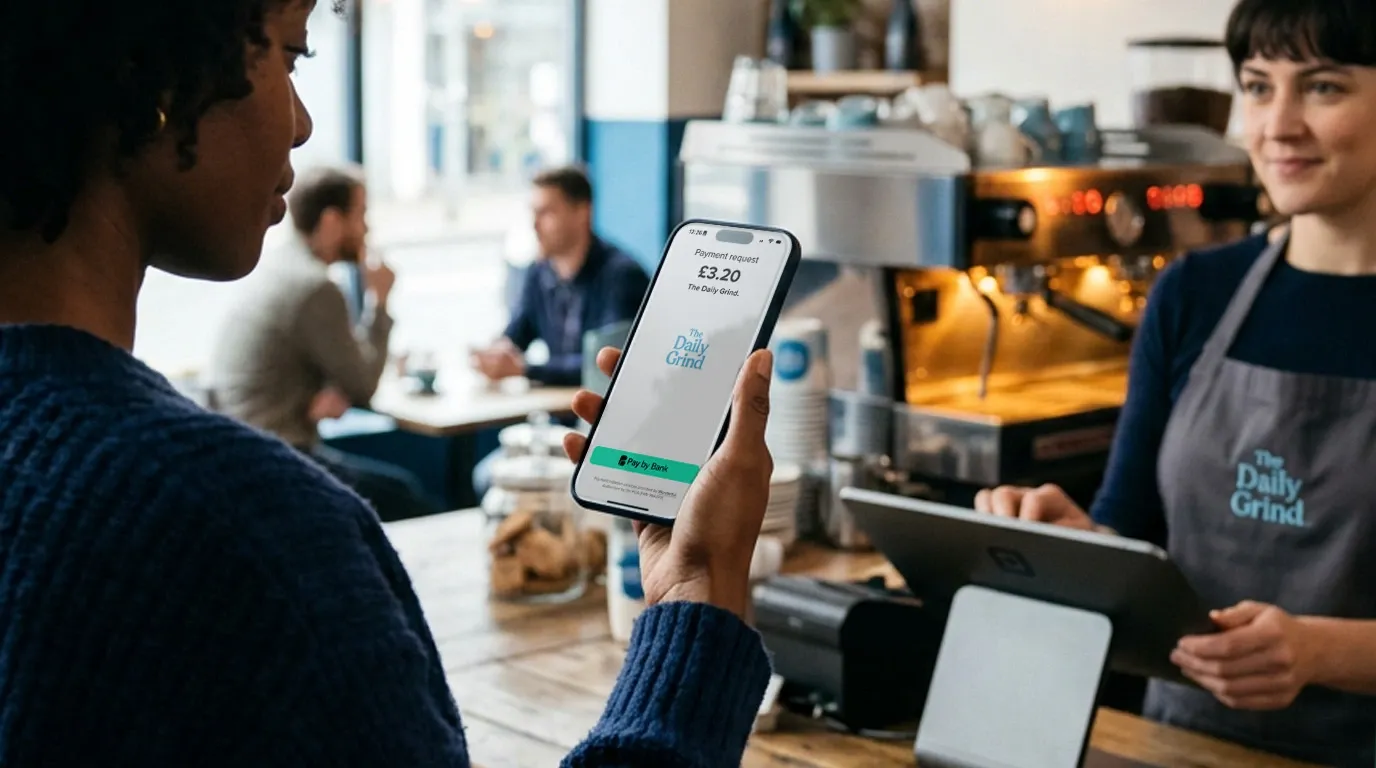
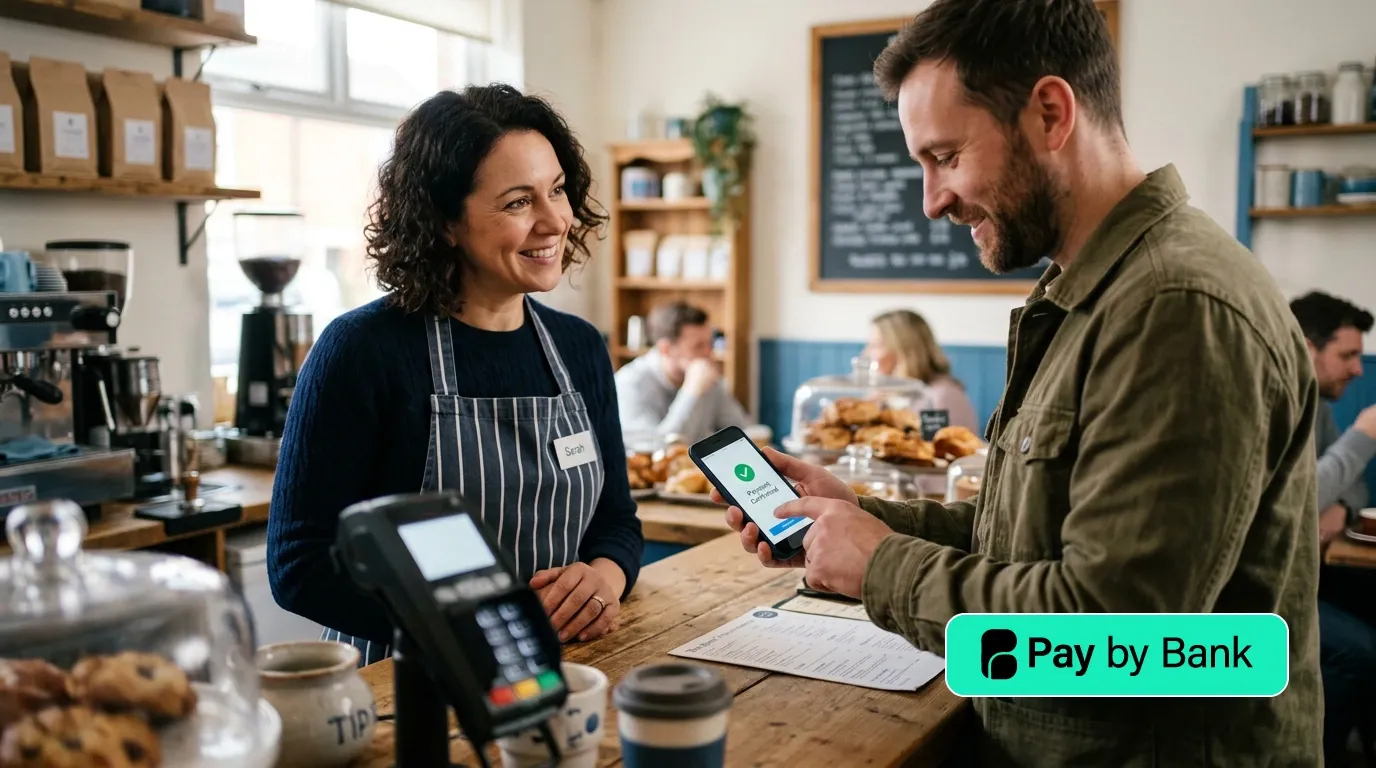
Pay by Bank lets a customer approve a prepared payment from their bank account to a business. They do not type card details or manually copy the recipient's account number and reference.
The customer selects their bank, authenticates with that bank and approves the payment details. The payment provider then receives status information about the request. The status shown to the business should reflect the stage actually reached.
What happens during a Pay by Bank payment
- The business creates the request. It includes the amount, recipient and reference.
- The customer selects their bank. They move into their bank's app or online service.
- The bank authenticates the customer. The bank controls this step. The payment provider does not receive the customer's banking password or biometric data.
- The customer authorises the payment. They review the amount and recipient, then approve or reject the request.
- The payment is initiated. The bank processes the instruction using the relevant payment rail.
- Status information is returned. A request may be awaiting authorisation, authorised, processing, executed or failed. A useful merchant message is tied to a specific status, not an assumption.
- The business reconciles the payment. The reference and provider record help match the result to the sale.
Our detailed payment-flow guide explains the distinction between authentication, authorisation, execution, funds availability and reconciliation.
How it differs from a card payment
Pay by Bank uses payment initiation and bank authentication rather than a card number, expiry date and security code. It does not travel through the card schemes.
That can produce a different cost model. Card acceptance is often priced as a percentage plus a fixed amount. Pay by Bank providers may use a fixed transaction fee, a subscription allowance or both. The saving depends on the business's transaction values, volume and current contract.
Do not compare only the checkout moment. Compare the full journey, including customer familiarity, payment status, access to funds, reconciliation, integrations and support.
Where Pay by Bank can fit
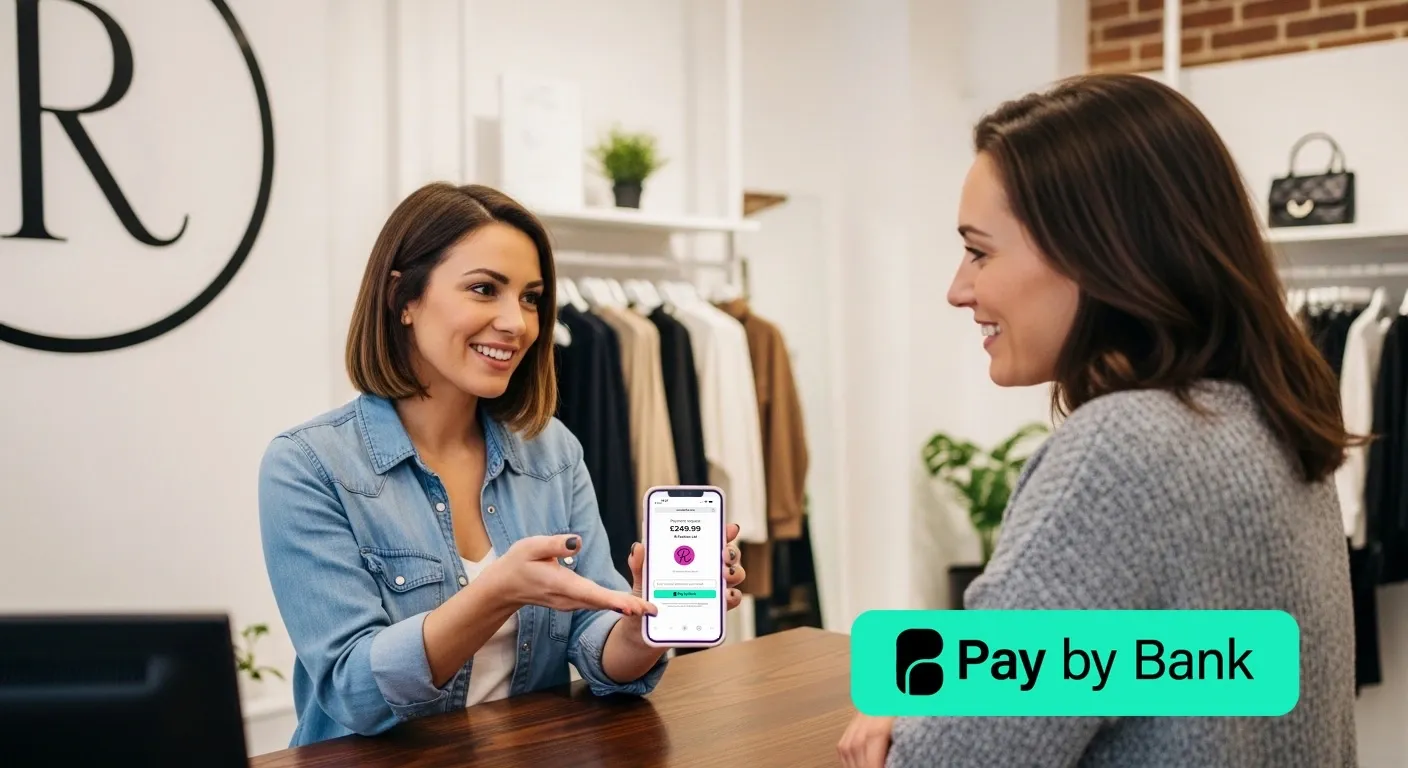
- Payment links: a prepared request for an invoice, service or remote sale.
- QR payments: a customer scans and approves on their own phone.
- Online checkout: an alternative to entering card details.
- Higher-value payments: a fixed fee can be attractive where percentage pricing is costly.
For a structured comparison with cards and other methods, see our guide to the best payment systems for UK small businesses. If price is the main question, use the payment-cost comparison.
What to check before choosing a provider
- Which banks and account types are supported?
- Which status is shown to the business, and what does it mean?
- How are failed or incomplete journeys handled?
- When are funds normally available, and what exceptions can delay them?
- How are payments matched to orders or invoices?
- What is the live price at the expected volume and average transaction value?
- Does the integration suit the website, counter or invoicing process?
Wonderful's current position
Wonderful offers Pay by Bank through payment links, QR journeys and other supported payment experiences. Product availability, bank coverage and pricing can change, so check the live Wonderful payments page and plans and pricing page before making a decision.