Table of contents
What is Pay by Bank?
Pay by Bank is a payment method that allows customers to pay directly from their bank account, using their banking app to securely approve the transaction, without entering card details.
There's still a gap between how merchants think Pay by Bank works and what customers actually experience. That gap slows adoption.
In reality, the journey is straightforward, familiar, and built on something customers already trust, their own bank.
This post walks through exactly what happens from the customer's perspective, across the most common payment types.
The key principle
Before getting into flows, one point matters:
The customer is always interacting with their own bank.
Not a third-party wallet.
Not a new account.
Not a form asking for card details.
That changes how the entire experience feels.
The standard Pay by Bank journey
This is the most common flow for online payments and payment links.
Step 1: Customer chooses Pay by Bank
At checkout, or when opening a payment link, the customer selects:
- Pay by Bank
This sits alongside other payment options, or increasingly, as the default.
Step 2: Customer selects their bank
The customer is shown a list of banks or a search field.
- They select their bank.
- No account details are entered.
Step 3: Secure redirection to their banking app
The customer is redirected:
- On mobile, directly into their banking app
- On desktop, via a secure bank login flow
This is a familiar environment.
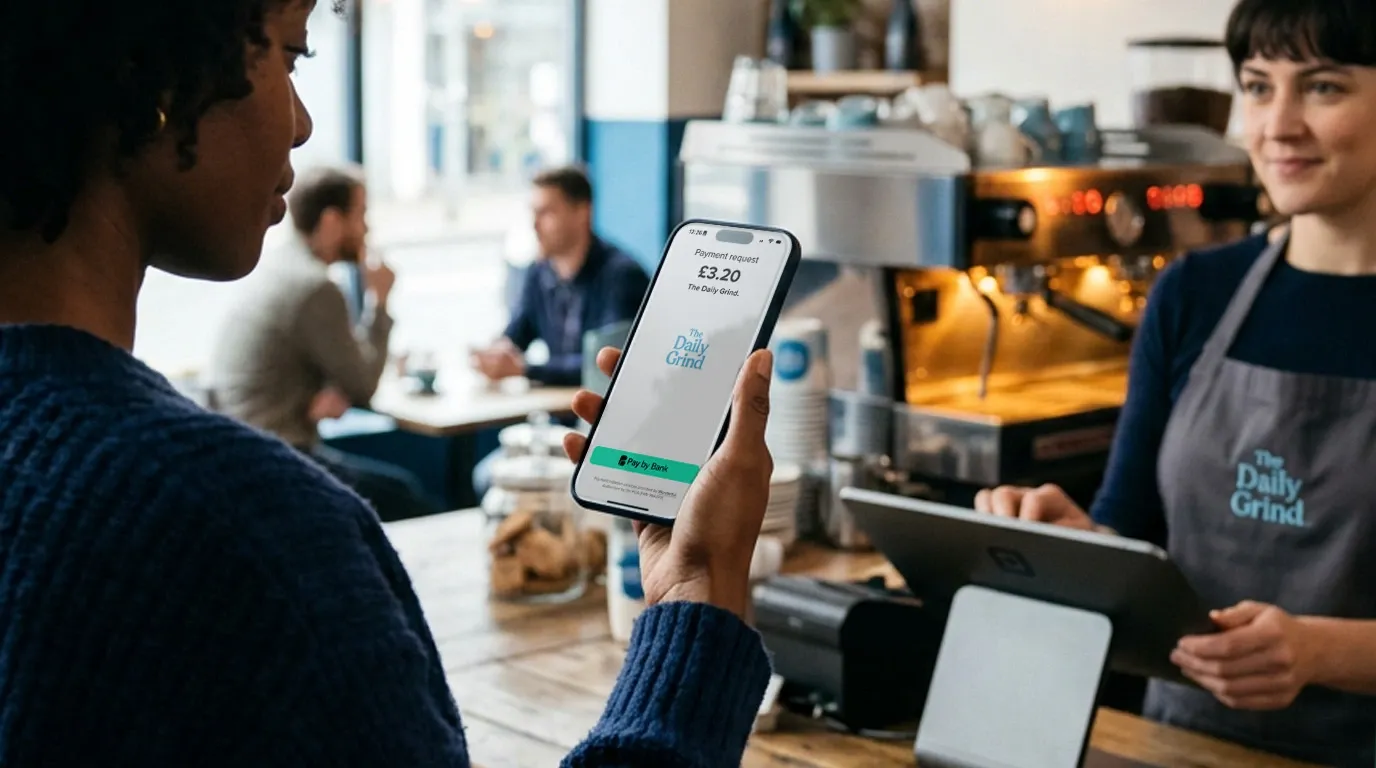
Step 4: Payment details are pre-filled
Inside their bank, the customer sees:
- The merchant name
- The exact amount
- A payment reference
There is nothing to type. No card number, expiry date, or CVV.
Step 5: Customer approves the payment
They authenticate using their normal banking method:
- Face ID / fingerprint
- Passcode
- Banking app approval
This is Strong Customer Authentication, built into the process.
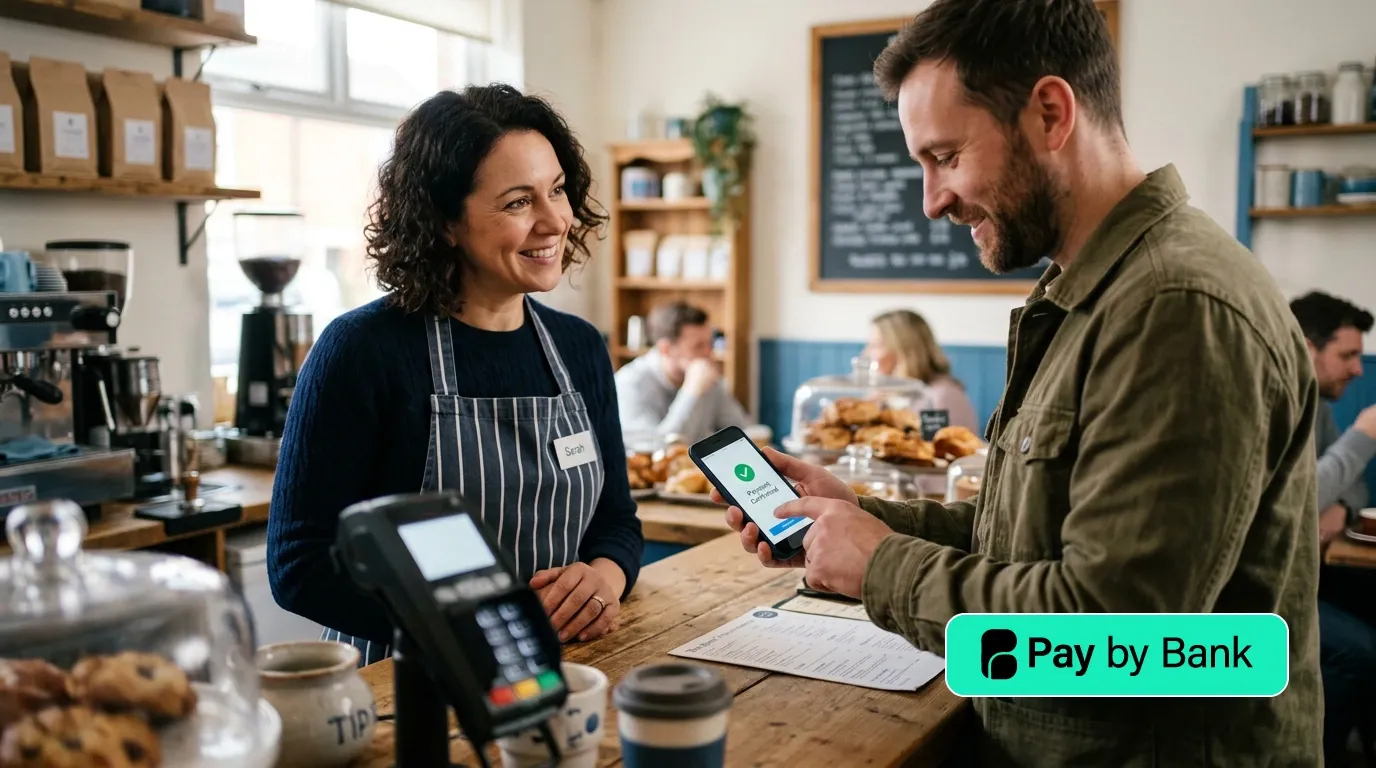
Step 6: Instant confirmation
Once approved:
- The payment is sent immediately
- The customer sees confirmation in their bank
- The merchant receives confirmation in real time
The flow completes within seconds.
What this means for the customer
From the customer's perspective, this is:
- Faster than entering card details
- More secure, because it uses their bank
- More predictable, because everything is pre-filled
There is less friction, not more.
QR code payments
For in-person or remote scenarios, QR codes are common.
The flow
- Customer scans a QR code using their phone (or simply taps a link if they are starting the journey on their mobile phone);
- The payment page opens;
- They select their bank;
- They approve the payment in their banking app.
The rest of the journey is identical.
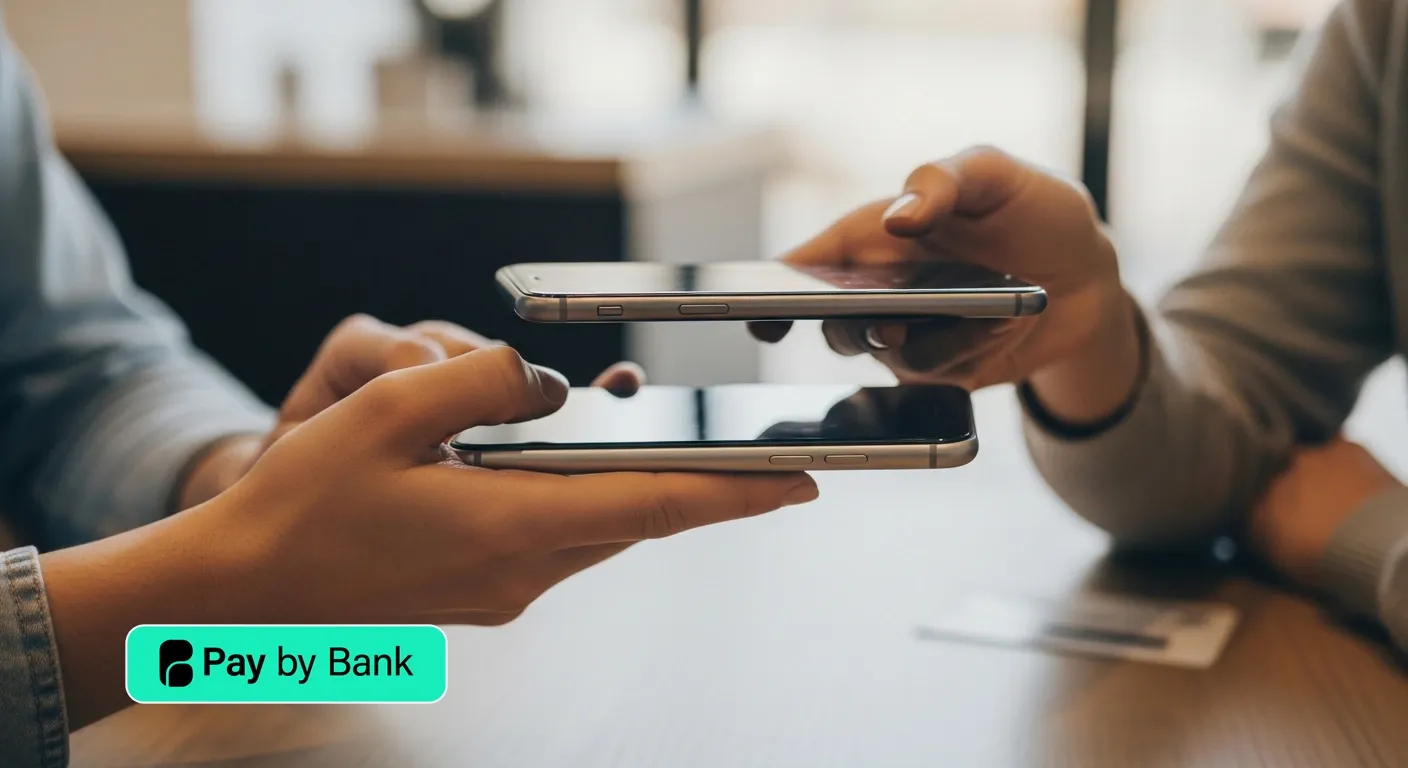
NFC payments (tap to pay via bank)
With NFC-enabled payments, the experience becomes even more direct.
The flow
- Customer taps their phone on the merchant's device;
- A payment prompt opens automatically;
- They confirm in their banking app.
No scanning. No links. No typing.
What customers do NOT have to do
This is where most misconceptions sit.
Customers do not need to:
- Enter sort code or account number;
- Create a new account;
- Remember passwords for a new service;
- Share card details;
- Trust an unfamiliar interface.
Once the payment has been initiated, they stay within their bank from start to finish.
Security from the customer's perspective
Security is often cited as a concern, but in practice:
- Authentication happens inside the bank;
- The customer uses methods they already trust;
- No sensitive details are shared with the merchant.
This is fundamentally different from card payments, where details are entered and stored across multiple systems.
Where hesitation comes from
When customers hesitate, it is usually not about the experience itself. It is about unfamiliarity with the option. Once they use it once, the pattern becomes clear:
- Select bank;
- Approve;
- Done.
Repeat usage tends to increase quickly after that first transaction.
Why this matters for merchants
Understanding the customer journey removes a key barrier. If you know exactly what your customer sees, you can:
- Present Pay by Bank with confidence;
- Make it a primary option, not a secondary one;
- Reduce checkout friction;
- Improve conversion rates.
This is not a complex or experimental flow. It is a simpler version of something customers already do every day, using their bank.
Final thought
Pay by Bank does not ask customers to learn something new. It removes the need to enter details into systems they do not control. And replaces it with a single, familiar action:
Approving a payment in their own banking app.
Frequently asked questions
Do customers need to enter their bank details?
No. All payment details are pre-filled. Customers simply select their bank and approve the payment.
Is Pay by Bank safe?
Yes. Payments are authorised within the customer's own banking app using their usual authentication method.
How long does a Pay by Bank payment take?
Typically a few seconds. Both the customer and merchant receive confirmation almost instantly.
Do customers need to create an account?
No. There is no sign-up or separate account. Customers use their existing bank.
What happens if a customer does not have their banking app installed?
They can still authenticate via their bank's secure online login.